How to Play Ring Weave
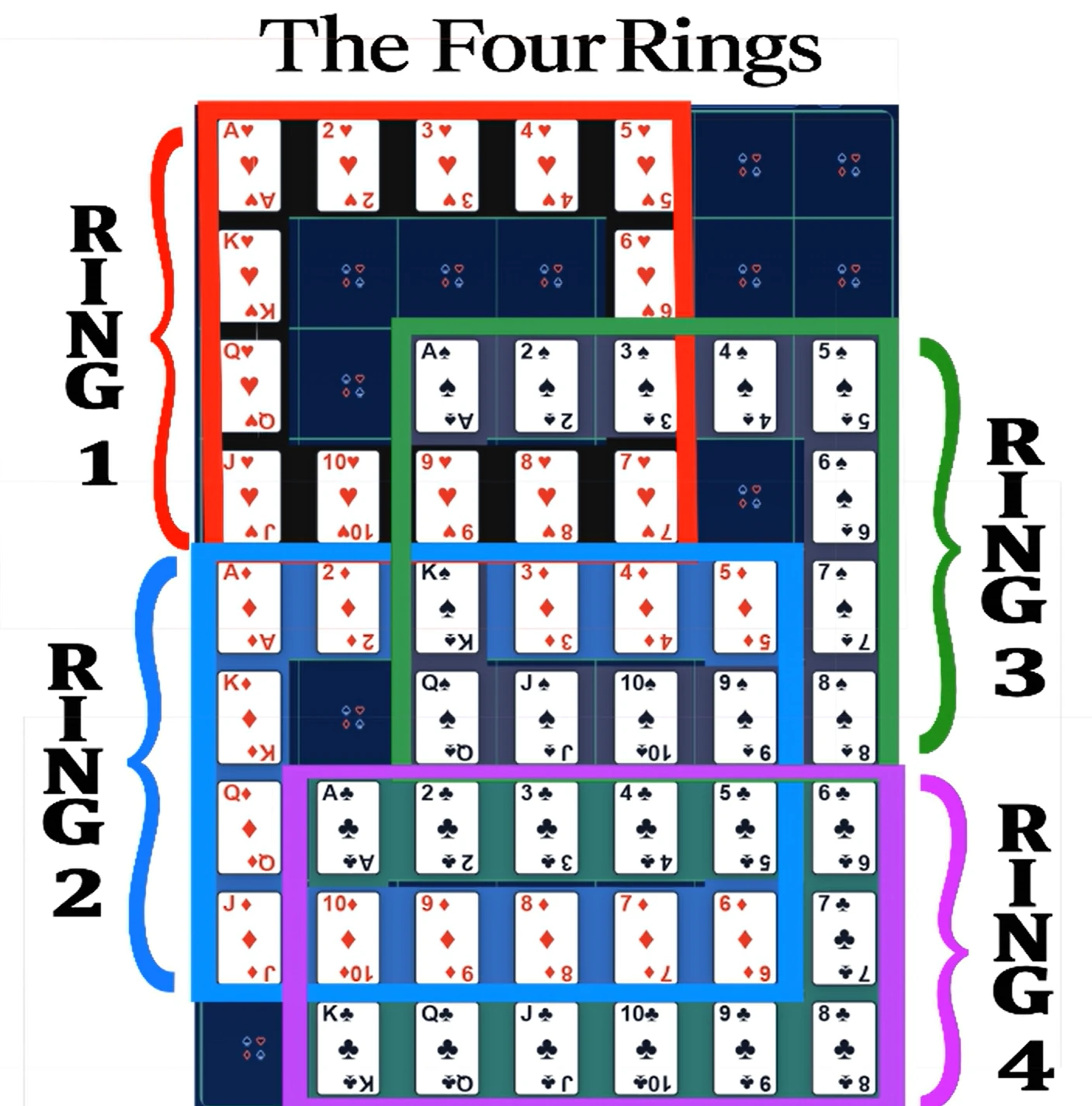
This Ring Weave tutorial covers controls, ring rotation, single click vs double click, and how card transfer works when two rings are linked.
Ring Weave Controls
- Single click: selects one ring for individual rotation.
- Double click: arms a connection between two rings so transfer can happen through gate boxes.
- Arrow keys or WASD: rotate the selected ring.
- Shift: cycles available linked-ring combinations.
Core keyword focus: ring weave controls, how to play ring weave, and ring weave tutorial.
Single Click vs Double Click
- Use single click when your next move is inside one ring only.
- Use double click when the needed next card is trapped in a different ring.
- After linking, rotate carefully and transfer only when the target sequence position is ready.
This decision is the center of most successful runs: local cleanup first, cross-ring transfer second.
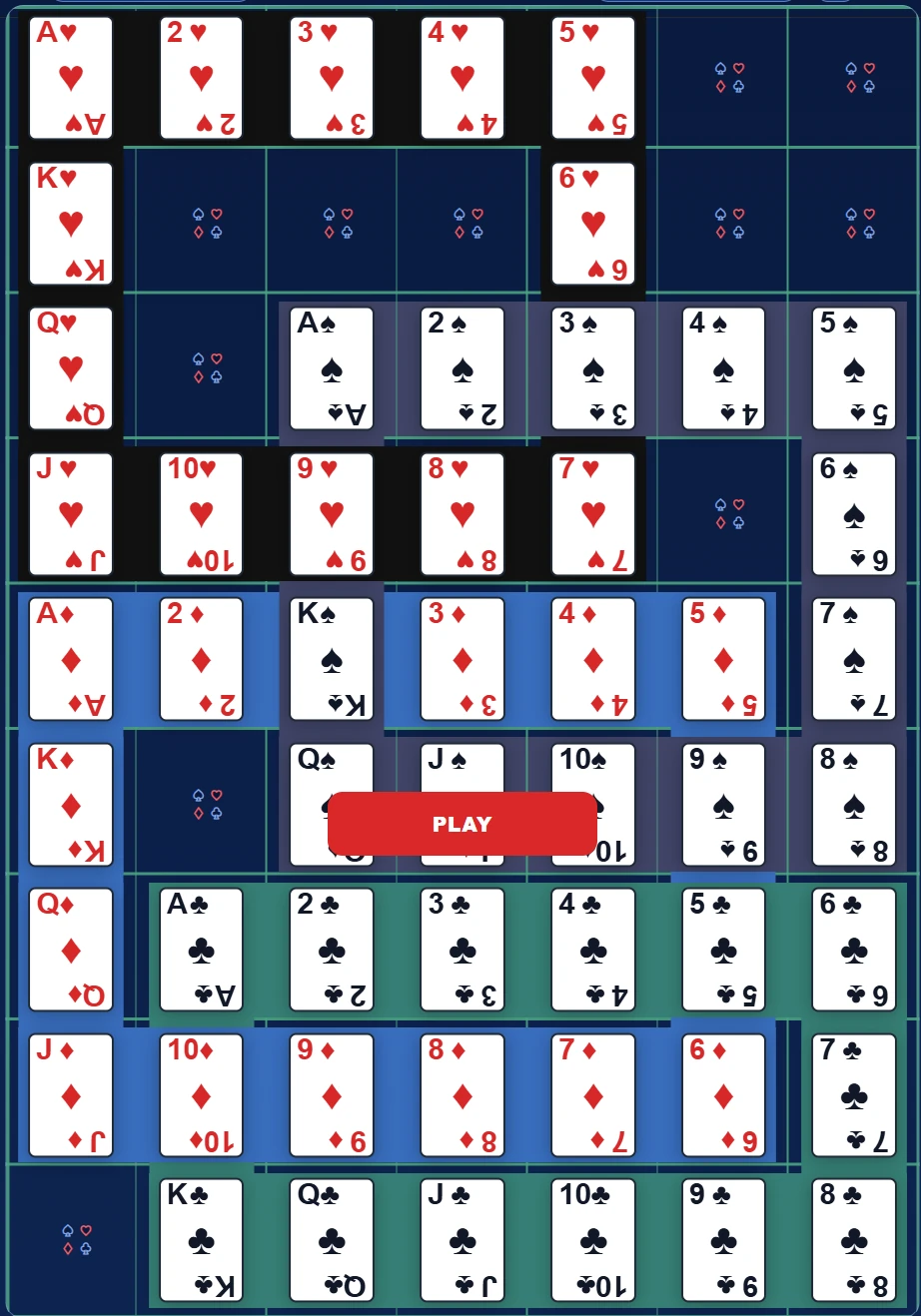
Images and Visual Walkthrough
Use these visual references as a quick guide before attempting a full run.